When iPhone battery health falls below about 80 percent, iOS may throttle the processor to prevent unexpected shutdowns, which feels like lag. Check Battery Health, enable Battery Saver, reduce background work, and plan a battery replacement if performance management is active.
This guide walks through the process in clear illustrated steps, from the first preparation to a finished result. Each step has its own picture, so you can compare your progress as you go.
How to use this guide
Work through the steps in order. Method 1 of 3 covers the basics, and the later methods offer alternatives and finishing touches. If you only have a minute, skim the Quick steps box above and come back for the details.
Related guides
- How to Tell when meat is cooked through
- How to Fix android phone slow immediately after a major os update
- How to Start strength training at home
- How to Start meditating for beginners
- Browse all Fix Slow Device guides
- All 52runoob guides
Trusted external resources
- Apple Support — Battery health and performance
- Apple Support — Batteries and performance management
- Apple Support — iPhone battery service
A note on sources
We check each guide against the official resources listed in References at the end of this article. External links open in a new tab; the related guides above stay on this site.
Quick steps
- Check Battery Health and Maximum Capacity in Settings.
- Look for a performance management warning.
- Turn on Low Power Mode to reduce CPU demand.
- Reduce background refresh and screen brightness.
- Arrange a battery replacement if capacity is below 80 percent.
Things you'll need
- An iPhone with Settings access
- A charger and a few minutes
- Optional: Apple Support appointment for battery service
Step-by-step
Method 1 of 3: Check the Battery and Performance State
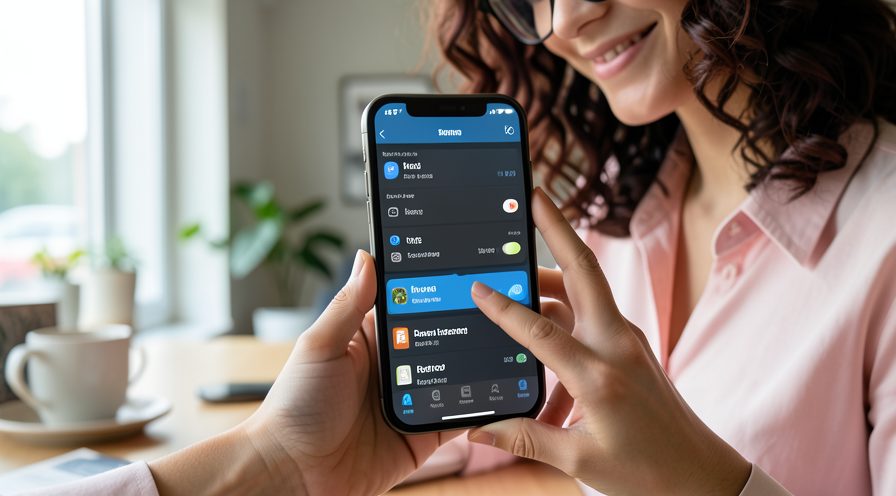
Step 1: Open Battery Health
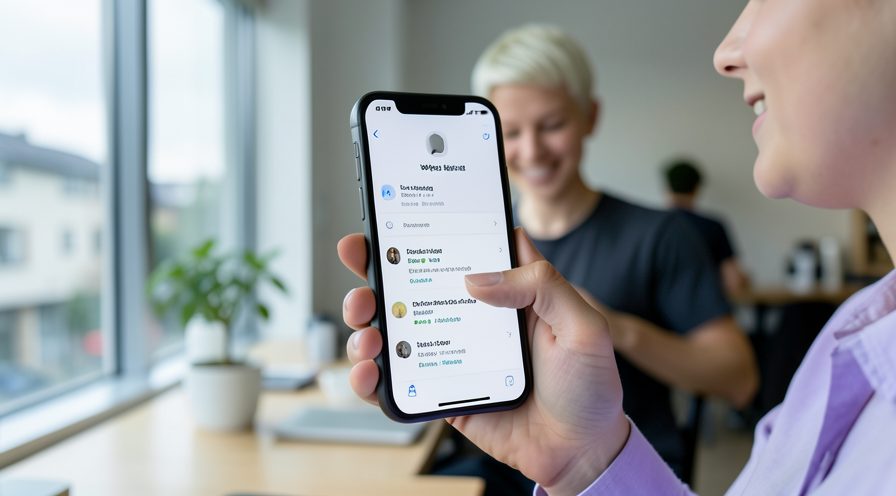
Go to Settings, Battery, Battery Health and Charging and read Maximum Capacity.
Step 2: Look for a performance message
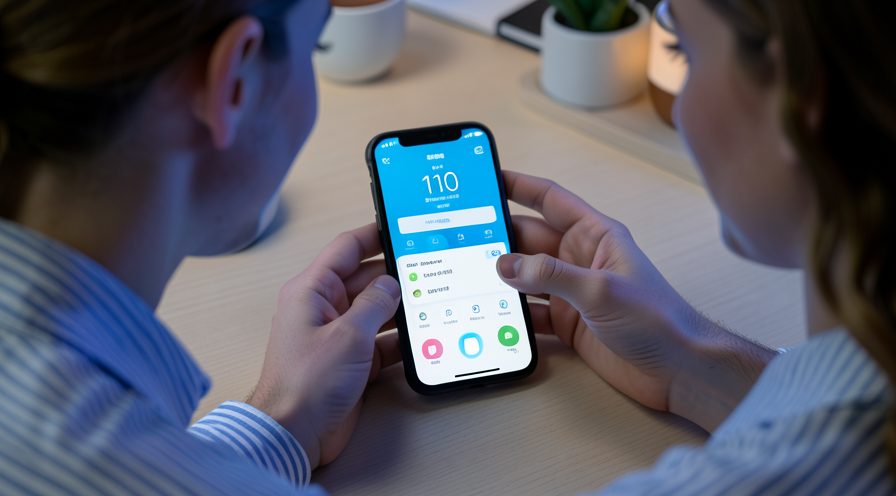
Check whether a Peak Performance Capability or degraded battery notice appears.

Step 3: Note current battery life
Observe how quickly the percentage drops during normal use to judge real-world wear.
Step 4: Inspect the battery physically
If the screen bulges or the back lifts, stop using the phone and seek service immediately.

Method 2 of 3: Reduce Load While You Decide
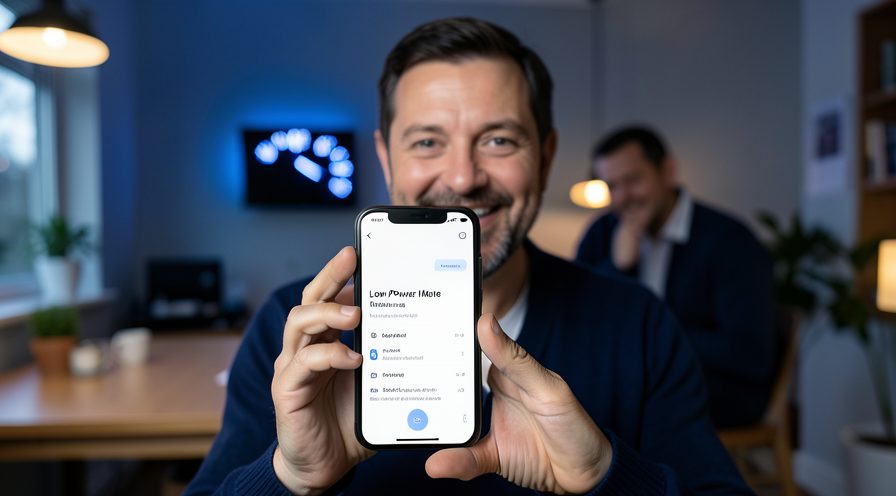
Step 5: Turn on Low Power Mode
Enable Low Power Mode in Settings, Battery or from Control Center to ease processor demand.
Step 6: Lower screen brightness
Reduce brightness or turn on auto-brightness to cut power draw and heat.
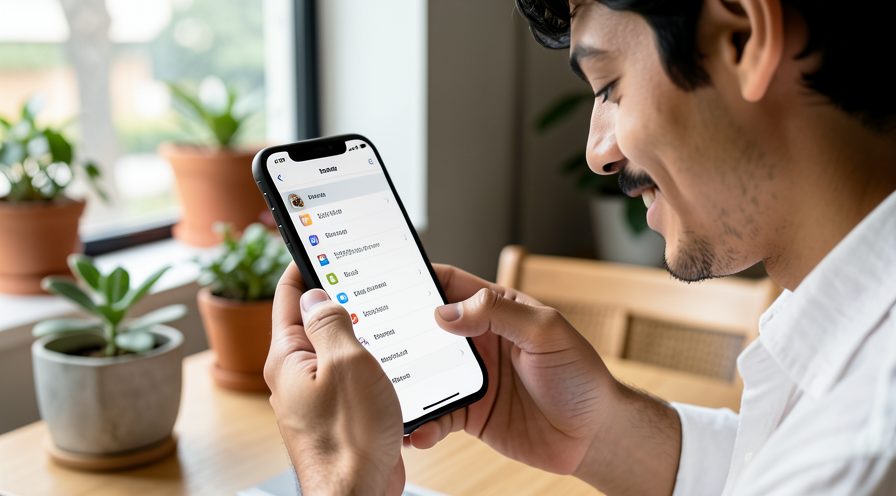
Step 7: Disable Background App Refresh
In Settings, General, switch off Background App Refresh for apps that do not need it.
Step 8: Restart the phone
Restart to clear any stuck process adding to the slowdown.
Step 9: Update iOS
Install the latest iOS release in case it includes power management improvements.
Method 3 of 3: Arrange a Battery Replacement
Step 10: Compare replacement options
Check Apple Support or an authorized service provider for a genuine battery replacement.
Step 11: Back up before service
Back up the iPhone so your data is safe while it is opened for service.
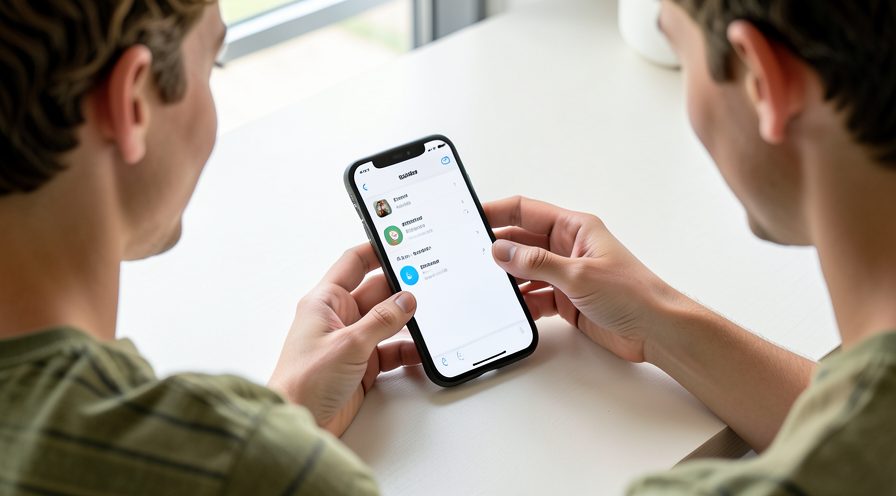
Step 12: Get the battery replaced
Have the battery replaced by a qualified technician with a genuine part.
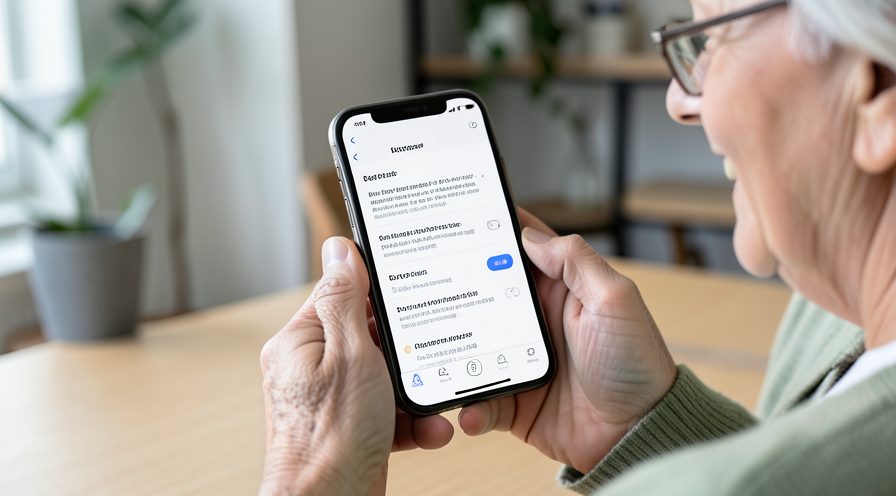
Step 13: Verify performance returns
After replacement, confirm the throttling notice is gone and the phone feels fast again.
Tips
- A degraded battery causes throttling mainly under heavy load.
- Low Power Mode can restore smoothness while you arrange a replacement.
- Peak Performance Capability message means throttling is active.
Warnings
- Do not use third-party apps claiming to 'unlock' full performance.
- A swollen battery is a safety issue; stop using the phone and get service.
- Replacing the battery does not improve a phone slowed by other causes.
Frequently asked questions
Does low battery health really slow an iPhone?
Yes. When the battery can no longer supply peak power reliably, iOS manages performance to avoid sudden shutdowns. That can show up as slower app launches and scrolling, especially below about 80 percent capacity.
What does Peak Performance Capability mean?
It means iOS is actively limiting the processor to protect a weakened battery. A battery replacement normally removes the limit and restores original performance.
Will Low Power Mode speed up my phone?
It can feel smoother because it reduces background work and lowers processor demand. It is a good temporary measure while you decide about a battery replacement.
At what health should I replace the battery?
Around 80 percent capacity is the common threshold where iOS considers the battery degraded and performance management may begin. If your phone feels slow and battery life is short, replacement is worth considering.
References
- Apple Support — Battery health and performance. https://support.apple.com/en-us/102655
- Apple Support — Batteries and performance management. https://support.apple.com/en-us/102655
- Apple Support — iPhone battery service. https://support.apple.com/en-us/111849
- wikiHow — How to Fix iPhone Lagging When Battery Health Is Below 80%. https://www.wikihow.com/Check-iPhone-Battery-Health
Every guide is reviewed against its sources. See our editorial policy.
Reader comments
0 so farFinished this guide? Tell other readers what worked, what didn't, and what you would change.