Starting a blog is simple when you pick a clear topic, set up a home for it, and publish your first post without overthinking.
This guide walks through the process in clear illustrated steps, from the first preparation to a finished result. Each step has its own picture, so you can compare your progress as you go.
How to use this guide
Work through the steps in order. Method 1 of 2 covers the basics, and the later methods offer alternatives and finishing touches. If you only have a minute, skim the Quick steps box above and come back for the details.
Related guides
- How to Make homemade pizza dough
- How to Cut back on sugar gradually
- How to Write a scholarship essay
- How to Keep cut avocado from browning
- Browse all Technology guides
- All 52runoob guides
Trusted external resources
A note on sources
We check each guide against the official resources listed in References at the end of this article. External links open in a new tab; the related guides above stay on this site.
Quick steps
- Choose a focused topic and name
- Set up a platform and domain
- Design a simple layout
- Write and publish your first post
Things you'll need
- A laptop or computer
- An internet connection
- A topic you enjoy
- A small budget for a domain
Step-by-step
Method 1 of 2: Set Up Your Blog
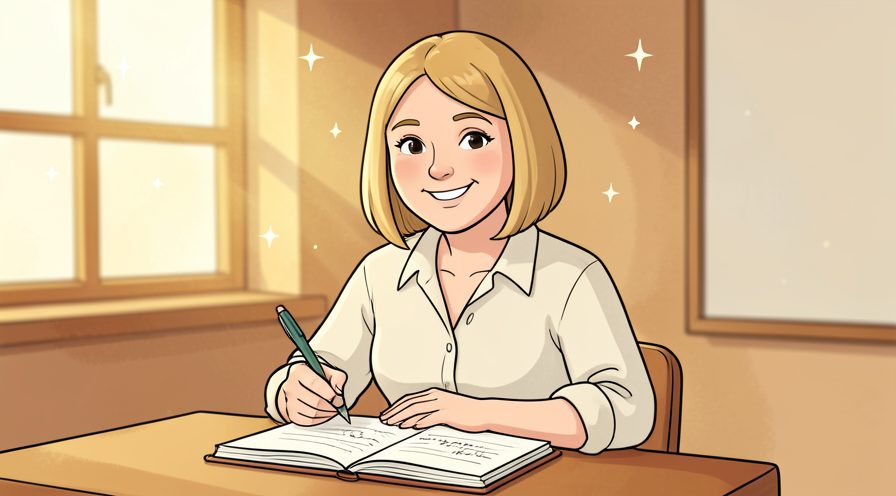
Step 1: Pick a clear niche
Choose a topic you can write about again and again.
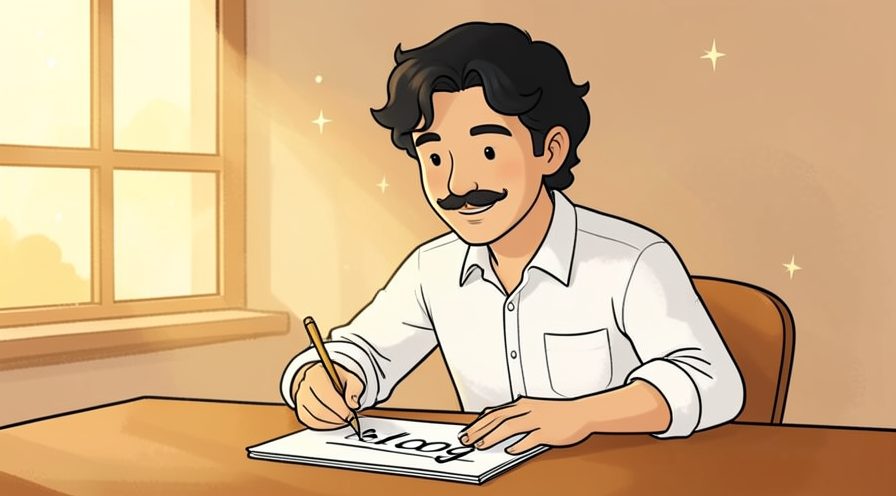
Step 2: Name your blog
Pick a short, memorable name that hints at the subject.
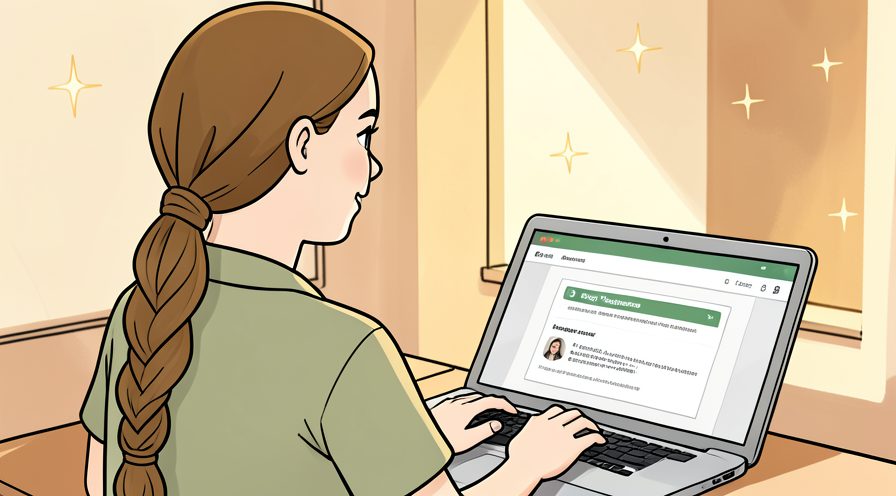
Step 3: Choose a platform
Select a beginner-friendly host or publishing platform.
Step 4: Register a domain
Buy a web address that is easy to spell and remember.
Step 5: Install the blog software
Set up the publishing tool provided by your host.
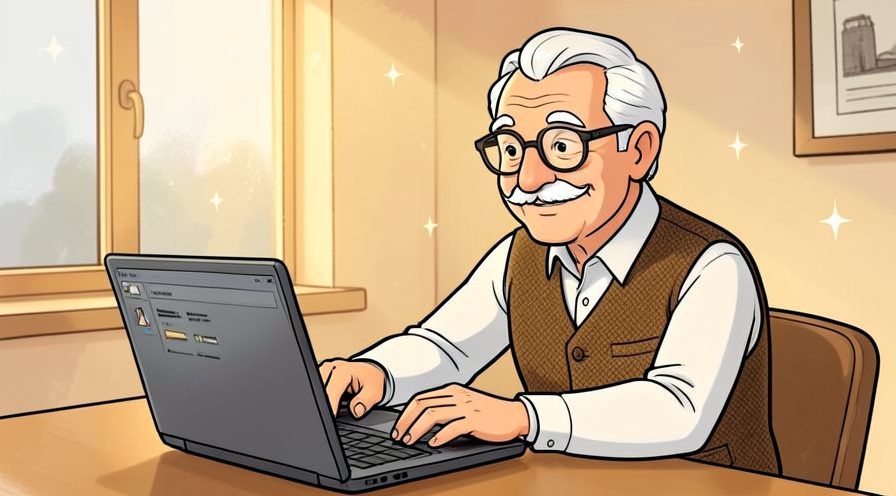
Step 6: Pick a simple theme
Choose a clean layout that loads fast and reads well.
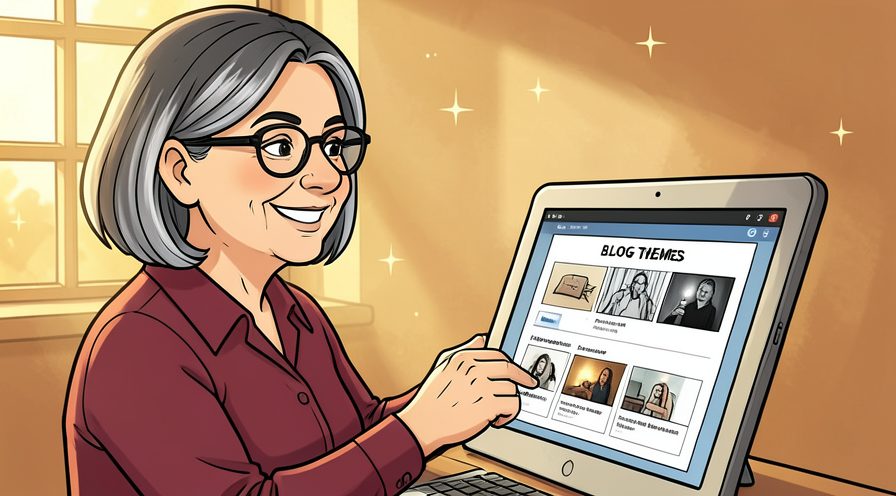
Step 7: Create key pages
Add an About page and a way for readers to contact you.
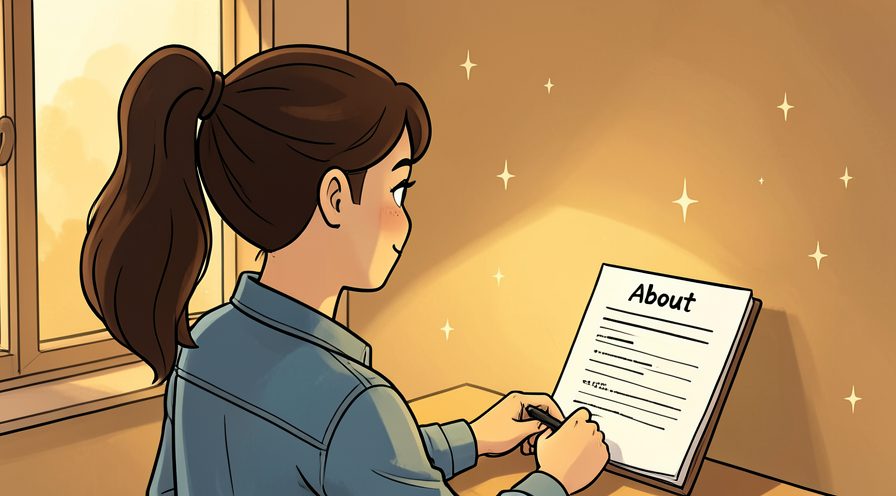
Step 8: Write your first post
Publish one useful article to make the blog feel real.
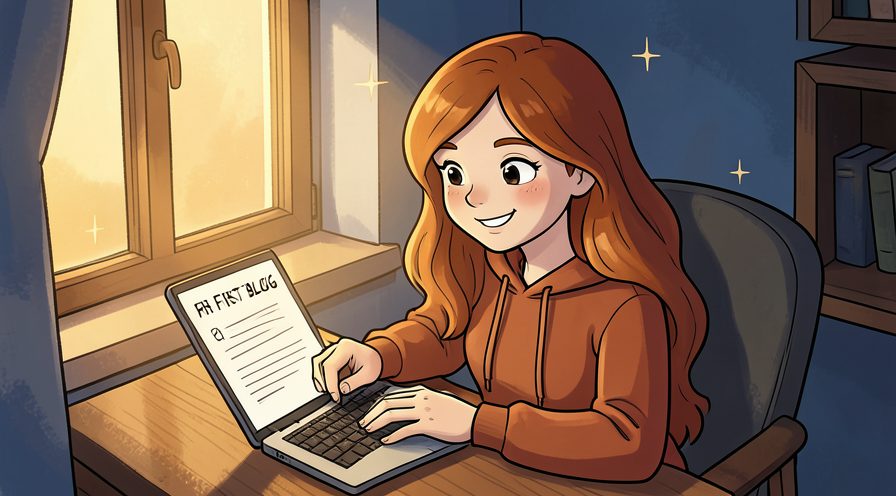
Method 2 of 2: Grow and Maintain It
Step 9: Set a posting schedule
Decide how often you will publish and stick to it.
Step 10: Learn basic SEO
Use clear titles and headings so search engines can find you.

Step 11: Share your posts
Put new articles in front of readers on social channels.
Step 12: Build an email list
Invite readers to subscribe so they hear about new posts.
Step 13: Connect with other bloggers
Comment thoughtfully on related sites in your niche.

Step 14: Track your visitors
Use analytics to see which posts people actually read.
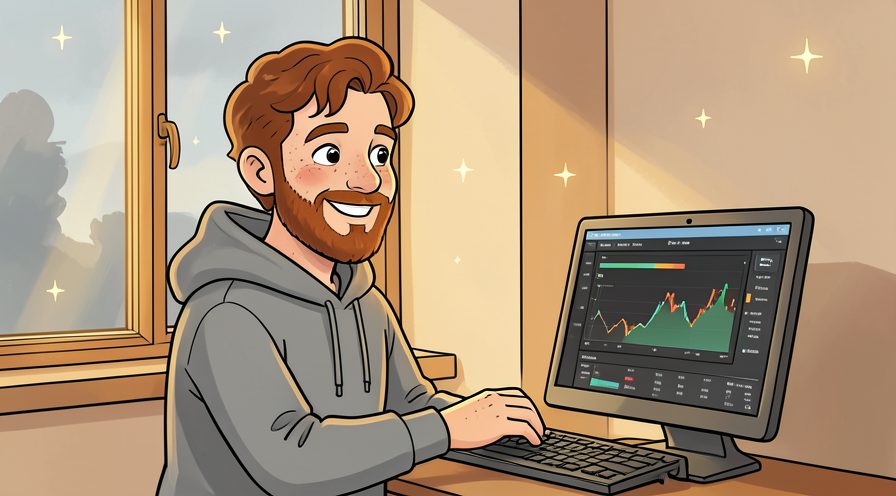
Step 15: Update old posts
Refresh popular articles so they stay accurate and useful.
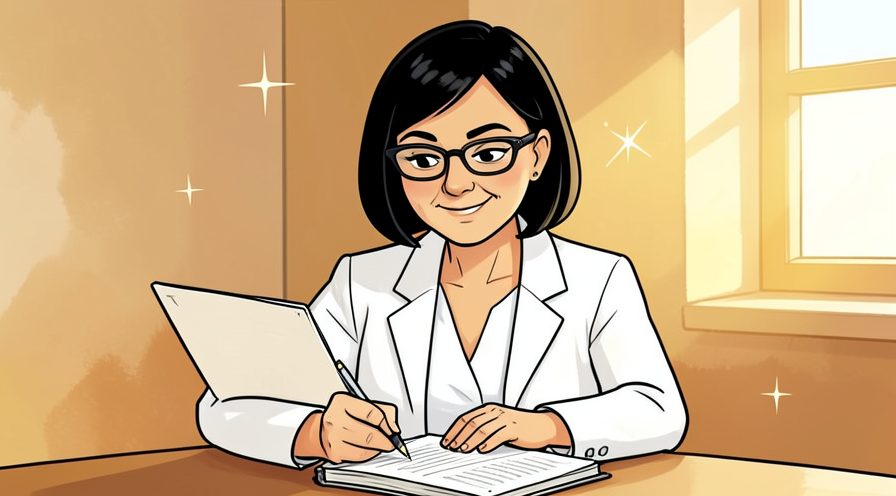
Step 16: Be patient and consistent
Keep publishing; an audience builds over months, not days.
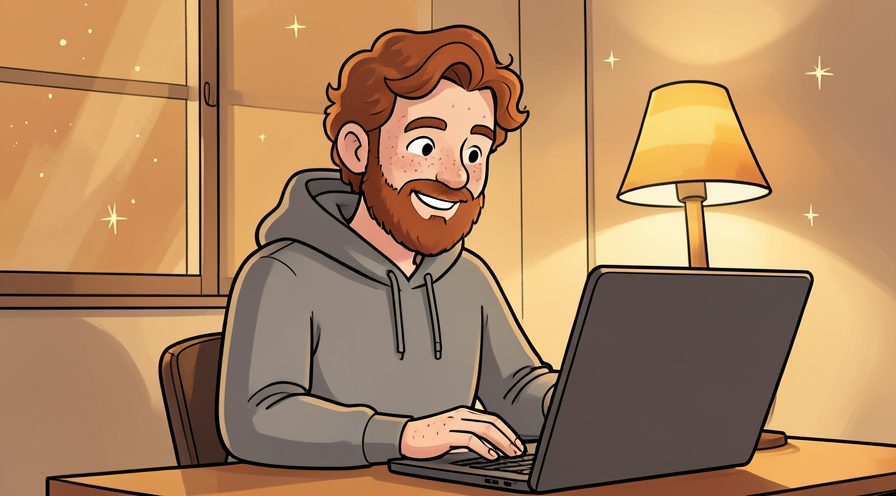
Tips
- Write for one specific reader rather than everyone.
- Publish consistently so readers know when to return.
Warnings
- Avoid copying images or text from other sites.
- Do not expect traffic overnight; blogs grow slowly.
Frequently asked questions
How long does it take to start a blog?
What supplies do I need for start a blog?
Is start a blog safe for beginners?
References
- WordPress — how to start a blog. https://wordpress.com/learn/
- Google — Search Starter Guide for creators. https://developers.google.com/search/docs/beginner/seo-starter-guide
- wikiHow — How to Start a Blog. https://www.wikihow.com/Start-a-Blog
Every guide is reviewed against its sources. See our editorial policy.
Reader comments
0 so farFinished this guide? Tell other readers what worked, what didn't, and what you would change.