An iPhone can slow down while charging because charging generates heat and the phone manages performance to stay safe. Fast charging, thick cases, direct sun and heavy apps all add heat. Charge in the shade, remove the case and pause demanding tasks until the phone cools.
This guide walks through the process in clear illustrated steps, from the first preparation to a finished result. Each step has its own picture, so you can compare your progress as you go.
How to use this guide
Work through the steps in order. Method 1 of 2 covers the basics, and the later methods offer alternatives and finishing touches. If you only have a minute, skim the Quick steps box above and come back for the details.
Related guides
- How to Bake chocolate chip cookies
- How to Save money on groceries
- How to Stretch tight hips
- How to Build a capsule wardrobe
- Browse all Fix Slow Device guides
- All 52runoob guides
Trusted external resources
- Apple Support — Why your iPhone is warm
- Apple Support — Battery health
- Apple Support — Optimized battery charging
A note on sources
We check each guide against the official resources listed in References at the end of this article. External links open in a new tab; the related guides above stay on this site.
Quick steps
- Move the charging iPhone out of sunlight into a cool place.
- Remove the case while charging.
- Stop gaming or video while the phone charges.
- Lower brightness and turn off unused radios.
- Let it cool, then check that speed returns.
Things you'll need
- An iPhone that slows while charging
- Its charger and cable
- A cool shaded location
- About 15 minutes
Step-by-step
Method 1 of 2: Reduce Charging Heat
Step 1: Move to a cool place
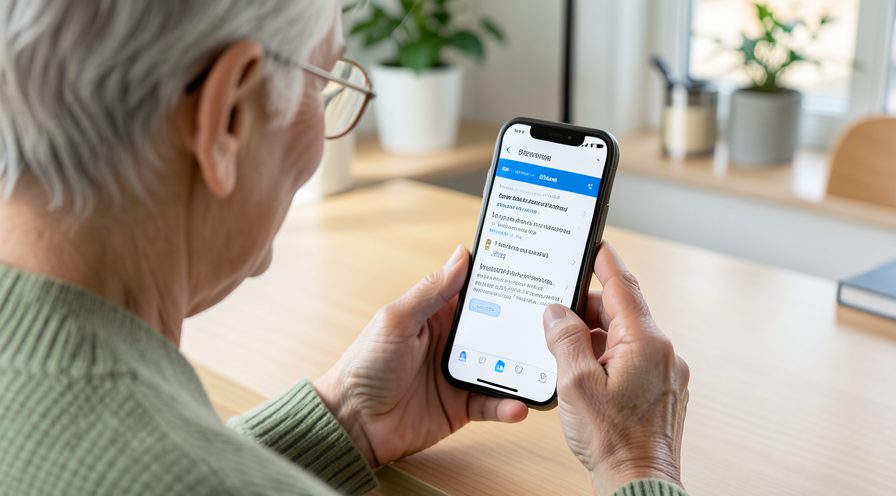
Charge the iPhone in a shaded, cool room away from windows and heaters.
Step 2: Remove the case
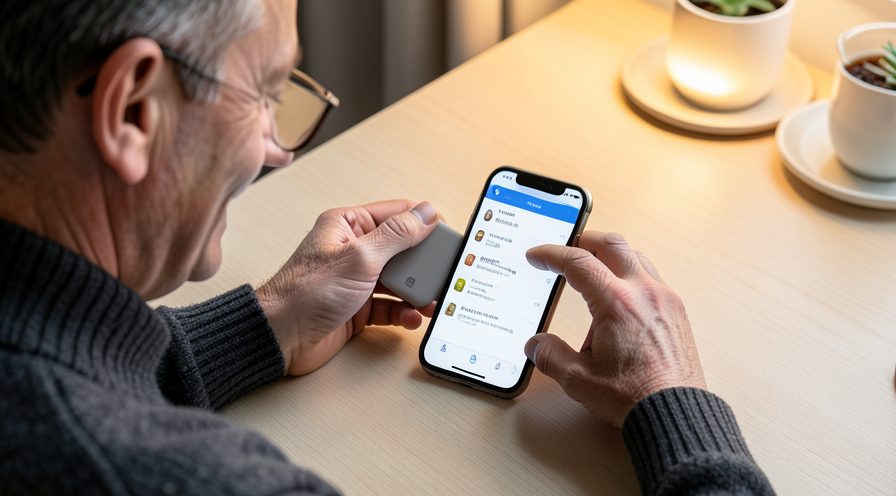
Take off the case while charging so heat can dissipate.
Step 3: Use a cable charger
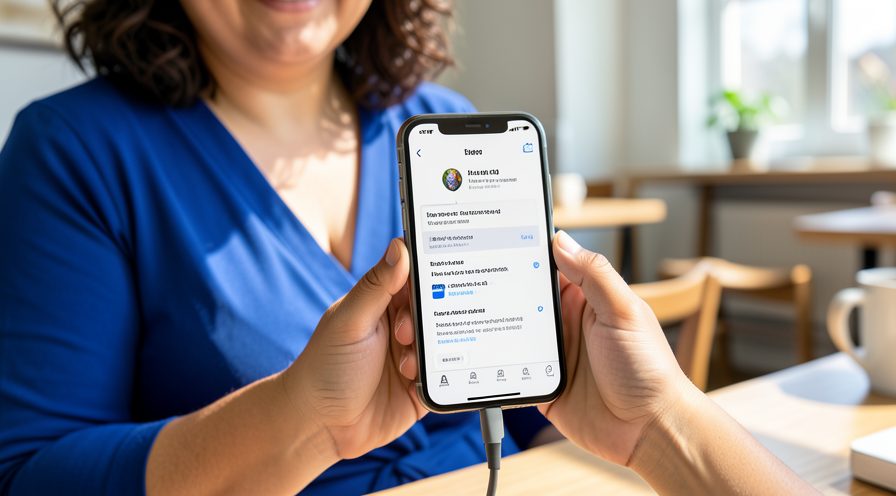
Switch from wireless charging to a wired cable if wireless makes the phone hot.
Step 4: Pause demanding apps
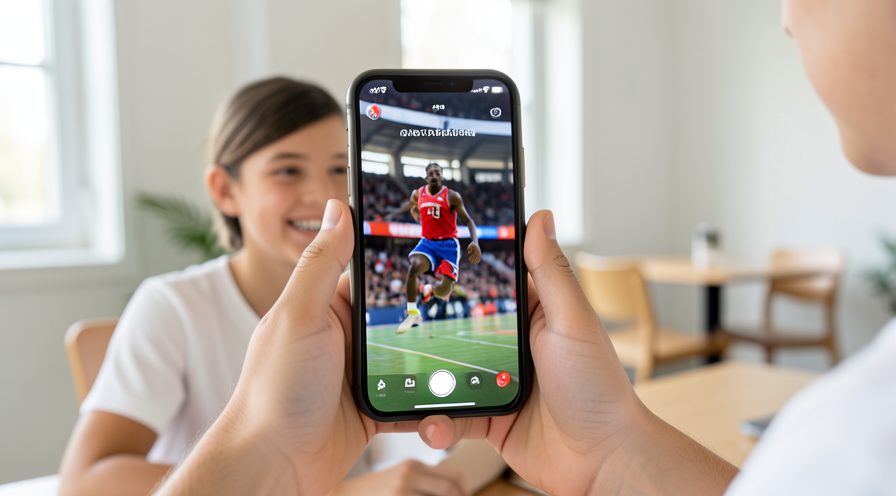
Stop gaming, navigation and video while the battery is filling.
Step 5: Lower brightness
Dim the screen or enable auto brightness during charging.
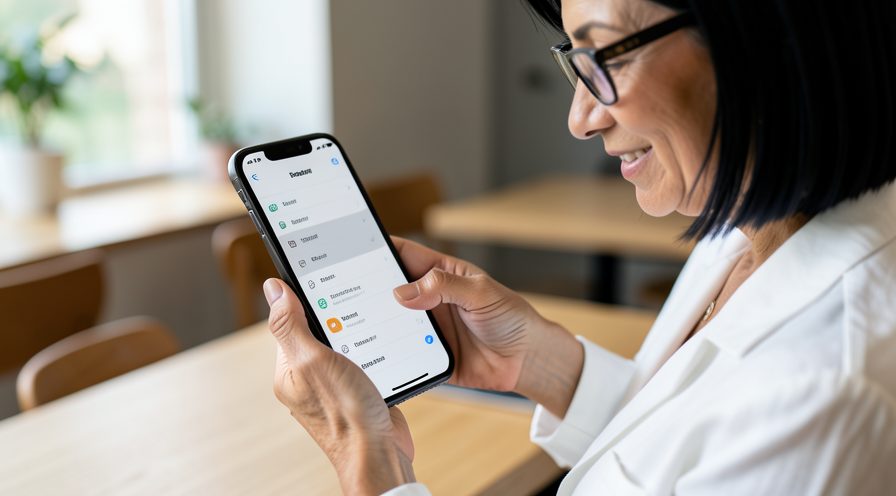
Step 6: Wait and recheck
After the phone cools, confirm performance returns to normal.
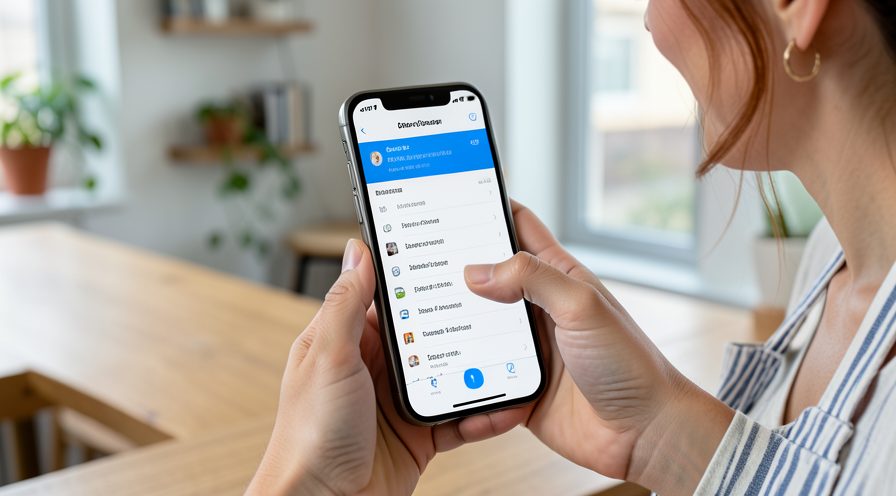
Method 2 of 2: Check the Battery and Settings
Step 7: Read Battery Health
Go to Settings, Battery, Battery Health and check Maximum Capacity.
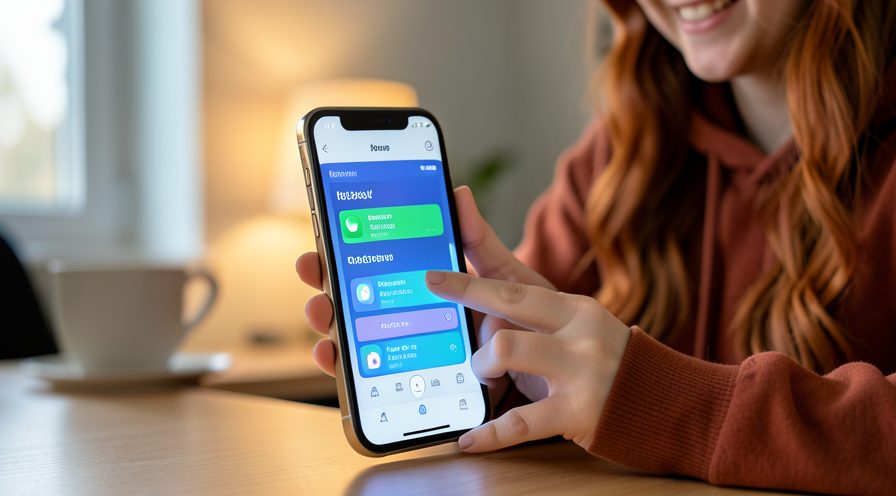
Step 8: Enable Optimized Charging
Turn on Optimized Battery Charging to reduce time spent at full charge and cut heat.
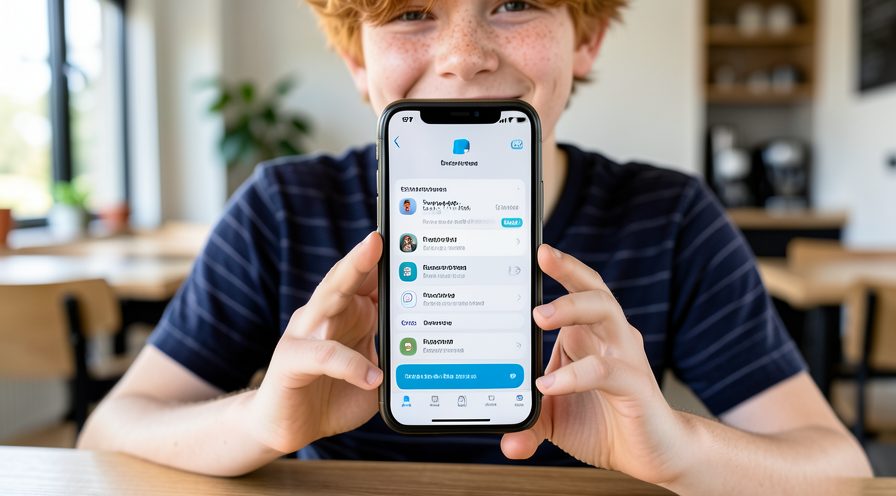
Step 9: Turn off unused radios
Disable Bluetooth or hotspots you are not using to reduce background work.
Step 10: Update iOS
Install the latest software in case heat management has been improved.
Step 11: Seek service if heat is severe
If the phone overheats during light charging, arrange a battery check with Apple Support.
Tips
- Wireless charging usually produces more heat than a cable.
- Optimized Battery Charging reduces heat overnight.
- A genuinely degraded battery overheats more; check Battery Health.
Warnings
- Do not charge a phone that is very hot; unplug and let it cool first.
- Never put a hot iPhone in the refrigerator or freezer.
- A swollen battery requires immediate service, not just cooling.
Frequently asked questions
Why does my iPhone get slow while charging?
Charging produces heat and iOS reduces performance to keep the device within a safe temperature. Using heavy apps at the same time, wireless charging and thick cases make the heat worse.
Is it bad to use the phone while charging?
Light use is fine, but gaming or video streaming while charging generates a lot of heat and slows the phone. Let it charge undisturbed for the best speed and battery longevity.
Does wireless charging make more heat?
Yes, wireless charging is less efficient and produces more heat than a cable. If your phone gets very hot on a charger, switch to a wired cable.
Should I remove the case while charging?
If the phone feels warm, removing the case helps heat escape and keeps performance up. You can put it back once charging is finished and the phone is cool.
References
- Apple Support — Why your iPhone is warm. https://support.apple.com/en-us/102650
- Apple Support — Battery health. https://support.apple.com/en-us/102655
- Apple Support — Optimized battery charging. https://support.apple.com/en-us/108783
- wikiHow — How to Fix iPhone Slow While Charging or Overheating. https://www.wikihow.com/Cool-Down-an-Overheated-iPhone
Every guide is reviewed against its sources. See our editorial policy.
Reader comments
0 so farFinished this guide? Tell other readers what worked, what didn't, and what you would change.