A new ATM card must be activated before you can withdraw cash or make purchases. This illustrated guide covers 3 methods and 16 steps, with a separate picture for every step.
This guide walks through the process in clear illustrated steps, from the first preparation to a finished result. Each step has its own picture, so you can compare your progress as you go.
How to use this guide
Work through the steps in order. Method 1 of 3: Activate by Phone covers the basics, and the later methods offer alternatives and finishing touches. If you only have a minute, skim the Quick steps box above and come back for the details.
Related guides
- How to Use a Debit Card Responsibly
- How to Check Your Bank Account Online
- How to Choose a Bank
- How to Protect Your PIN
- Browse all Money & Finance guides
- All 52runoob guides
Trusted external resources
- Consumer Financial Protection Bureau
- Federal Deposit Insurance Corporation
- Wikipedia — automated teller machine
A note on sources
We check each guide against the official resources listed in References at the end of this article. External links open in a new tab; the related guides above stay on this site.
Quick steps
- Verify your identity through the bank's official channel
- Set a PIN you do not use elsewhere
- Test the card with a small transaction
Things you'll need
- Your new ATM or debit card
- The letter or email that came with it
- Your phone or a computer
- Your account details
- A quiet place to enter your PIN
Step-by-step
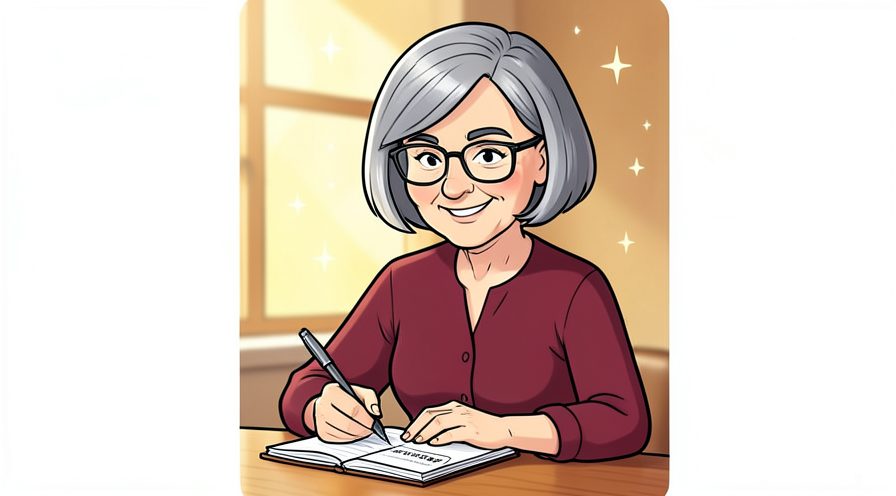
Method 1 of 3: Activate by Phone :: Use the number on the card letter.
Step 1: Find the activation number
Look on the sticker or letter that came with your card.
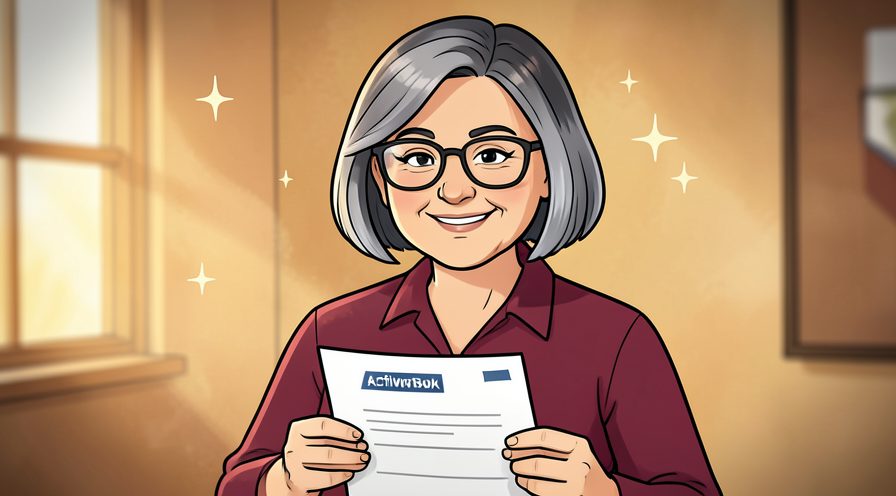
Step 2: Call from a private place
Use a quiet spot where you can speak and hear clearly.
Step 3: Verify your identity
Answer the security questions using your official account details.
Step 4: Confirm the card
Enter or read out the card number when prompted.
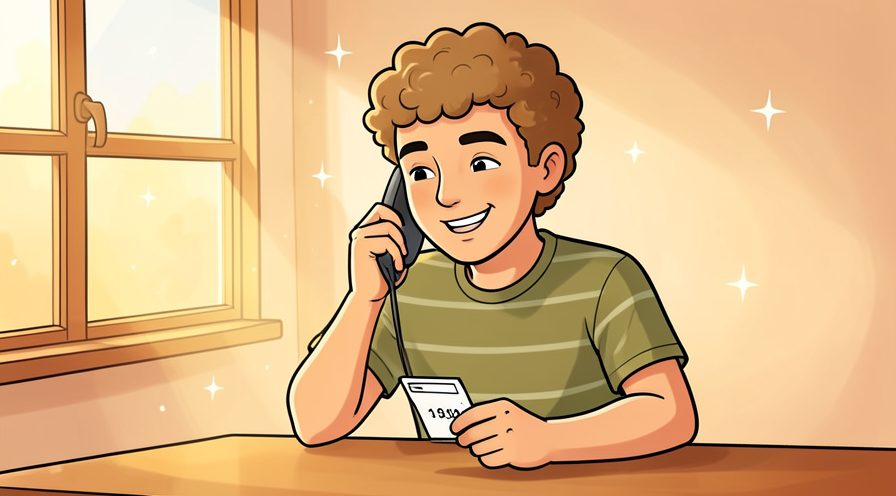
Step 5: Note the confirmation
Write down any confirmation number in case you need it later.
Method 2 of 3: Activate Online :: Use your bank's official site or app.
Step 6: Go to the official site
Type the bank's web address yourself rather than following an email link.
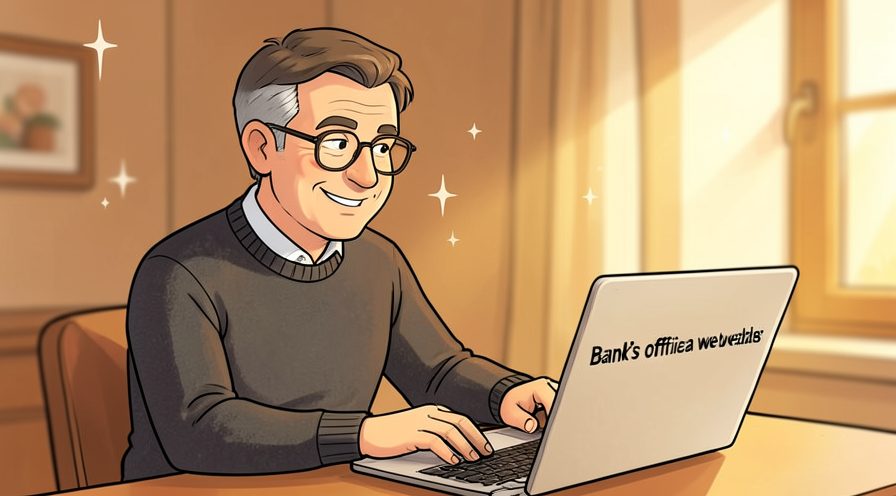
Step 7: Sign in to your account
Log in with your usual credentials.

Step 8: Find the card activation option
Look for a card management or activation section.
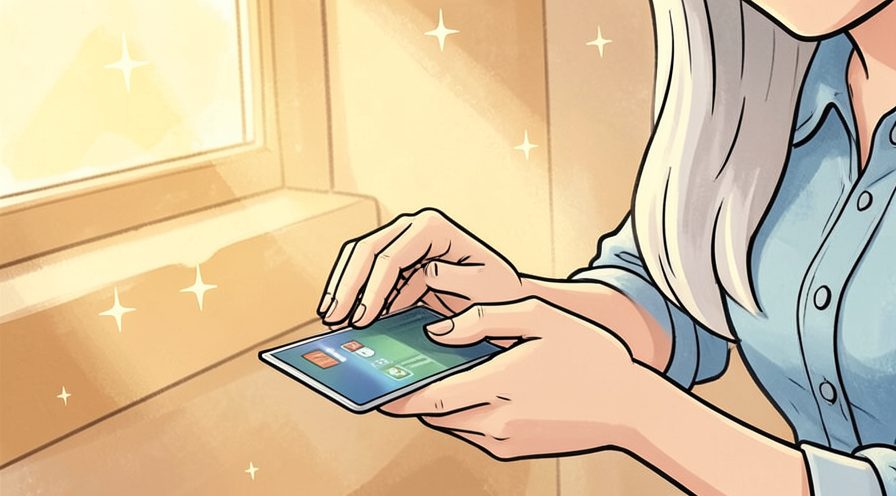
Step 9: Enter the card details
Type the card number and any requested security code.
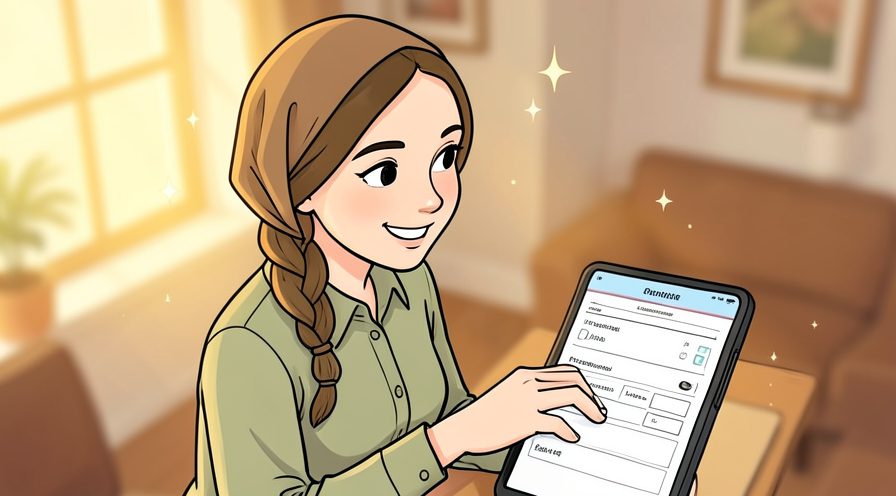
Step 10: Confirm activation
Submit and wait for the confirmation message.
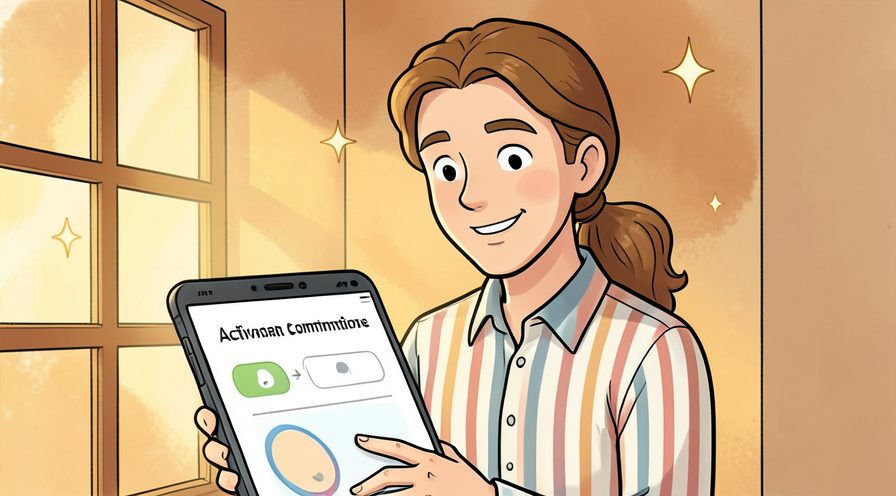
Method 3 of 3: Set a PIN and Test :: Finish the setup safely.
Step 11: Set a secure PIN
Choose a number you will remember but others cannot guess.
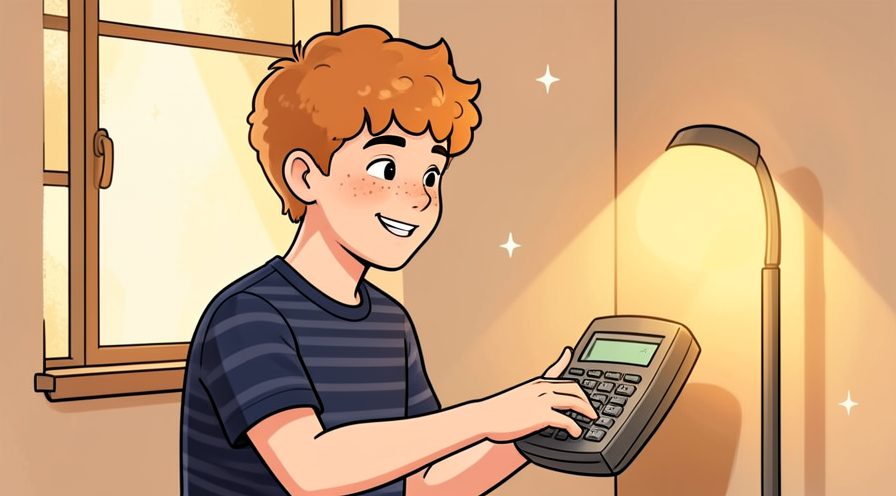
Step 12: Avoid obvious numbers
Do not use your birth year or repeated digits.

Step 13: Memorise it
Rehearse the PIN a few times instead of writing it down.

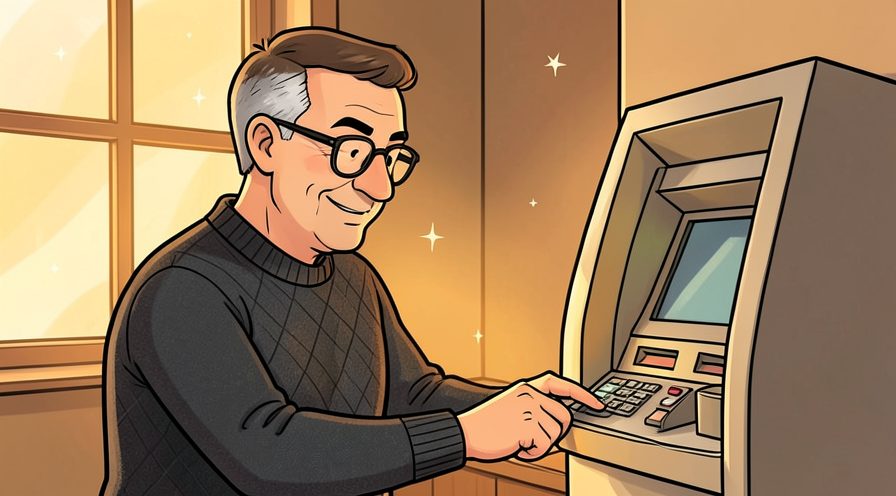
Step 14: Test at an ATM
Make a small balance check to confirm the card works.
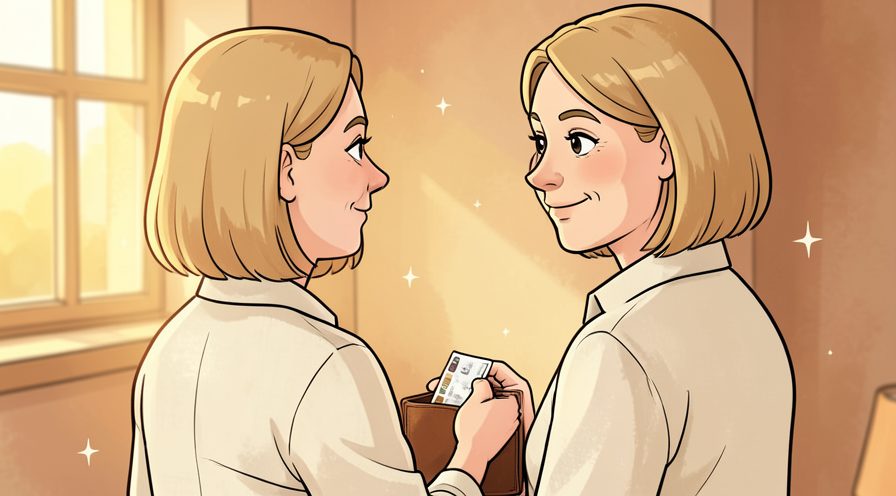
Step 15: Store the card safely
Keep the card in a safe place and shred the activation letter.
Tips
- Banks never ask for your full PIN by phone or email; ignore such requests.
- Memorise your PIN instead of writing it on the card.
- See How to Use a Debit Card Responsibly for safe use.
Warnings
- Do not use public Wi-Fi when activating a card or setting a PIN.
- Shred any activation letter containing personal details once done.
Frequently asked questions
Must I activate a new card? Yes, most banks require activation before the card works.
Can I activate online? Usually yes, through your bank's official website or app.
What if activation fails? Call the number on the back of the card to check the issue.
References
- Consumer Financial Protection Bureau. https://www.consumerfinance.gov/
- Federal Deposit Insurance Corporation. https://www.fdic.gov/
- Wikipedia — automated teller machine. https://en.wikipedia.org/wiki/Automated_teller_machine
- wikiHow — How to Activate an ATM Card From Any Bank. https://www.wikihow.com/activate-an-atm-card-from-any-bank
Every guide is reviewed against its sources. See our editorial policy.

Reader comments
0 so farFinished this guide? Tell other readers what worked, what didn't, and what you would change.